Forensic Intelligence
TitleArtistAlbumYearGenreComposer
Every tag that matters
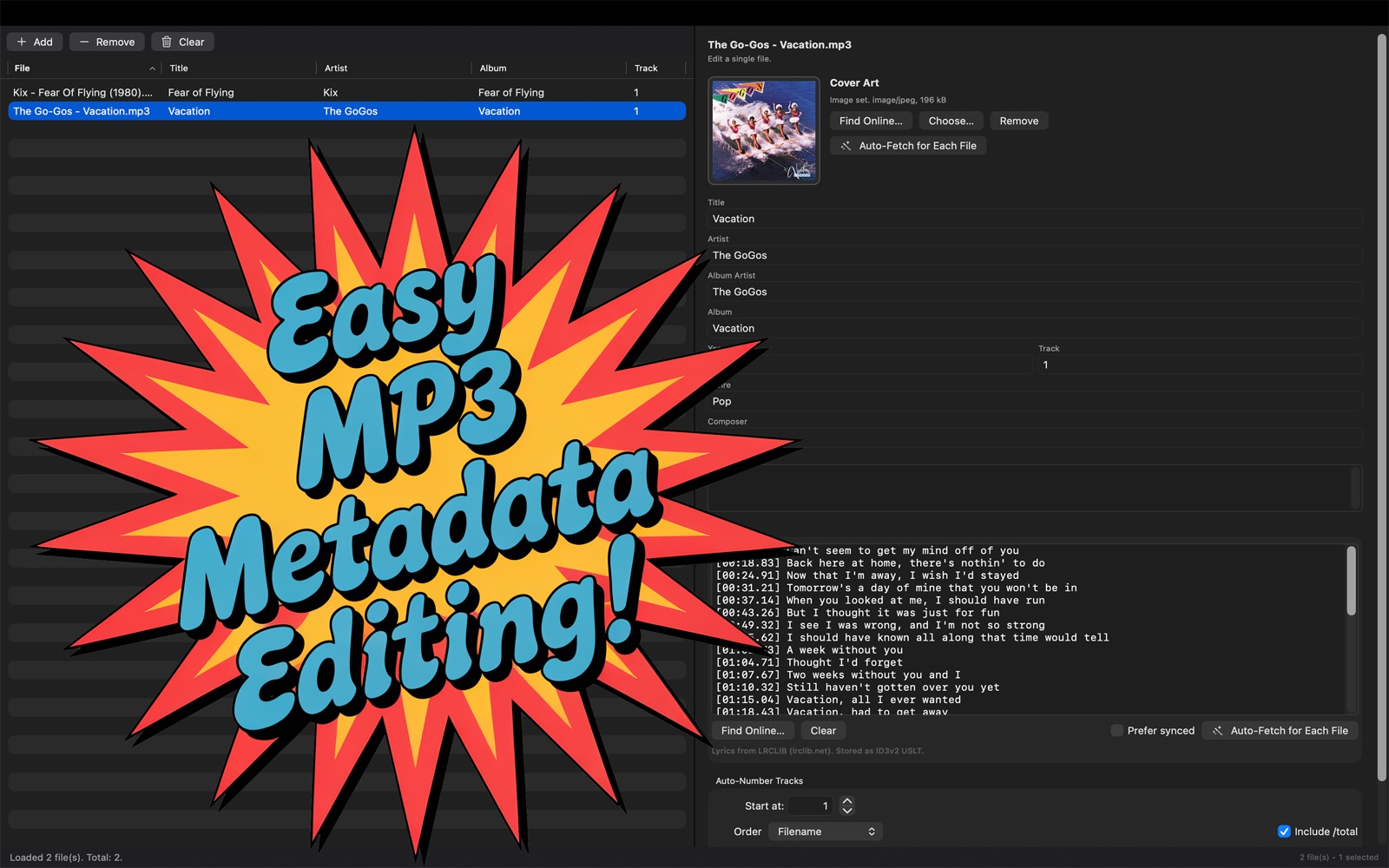
Edit title, artist, album artist, album, year, genre, track number, composer, comments, lyrics and cover art.
Your MP3 library, cleaned up.
A native Mac MP3 tag editor for real music libraries. Fix tags, cover art, lyrics and track numbers for one song, one album or an entire folder, in one focused window.
From the Mac App Store listing.
Clean up your MP3 library without turning it into a project.
Edit title, artist, album artist, album, year, genre, track number, composer, comments, lyrics and cover art.
Change one track, a selection or the whole list. Discographer only writes the fields you actually change, so fixing an album name never overwrites every song title.
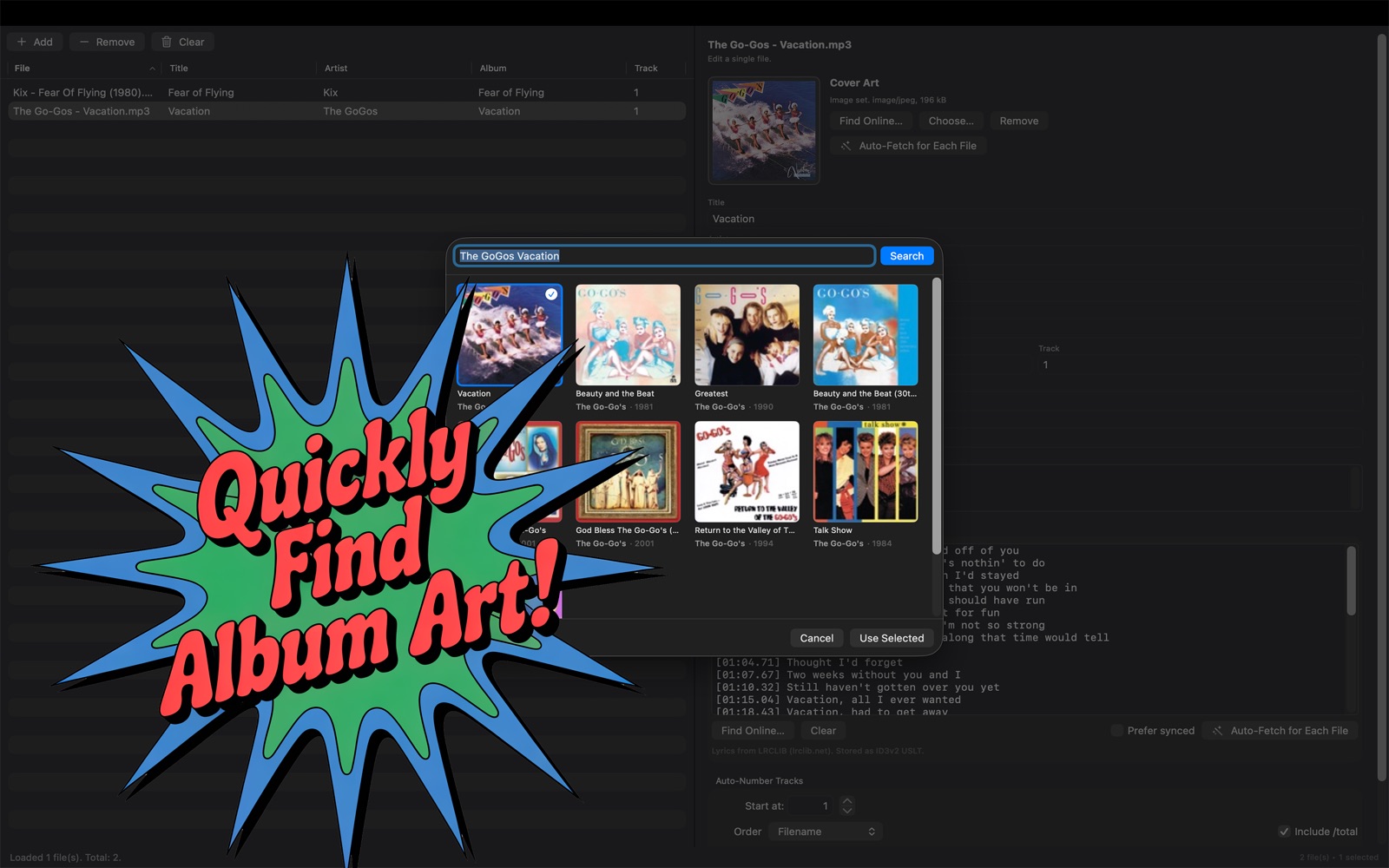
Fetch missing cover art from online results without leaving the app, or add your own by drag-and-drop or the file picker.
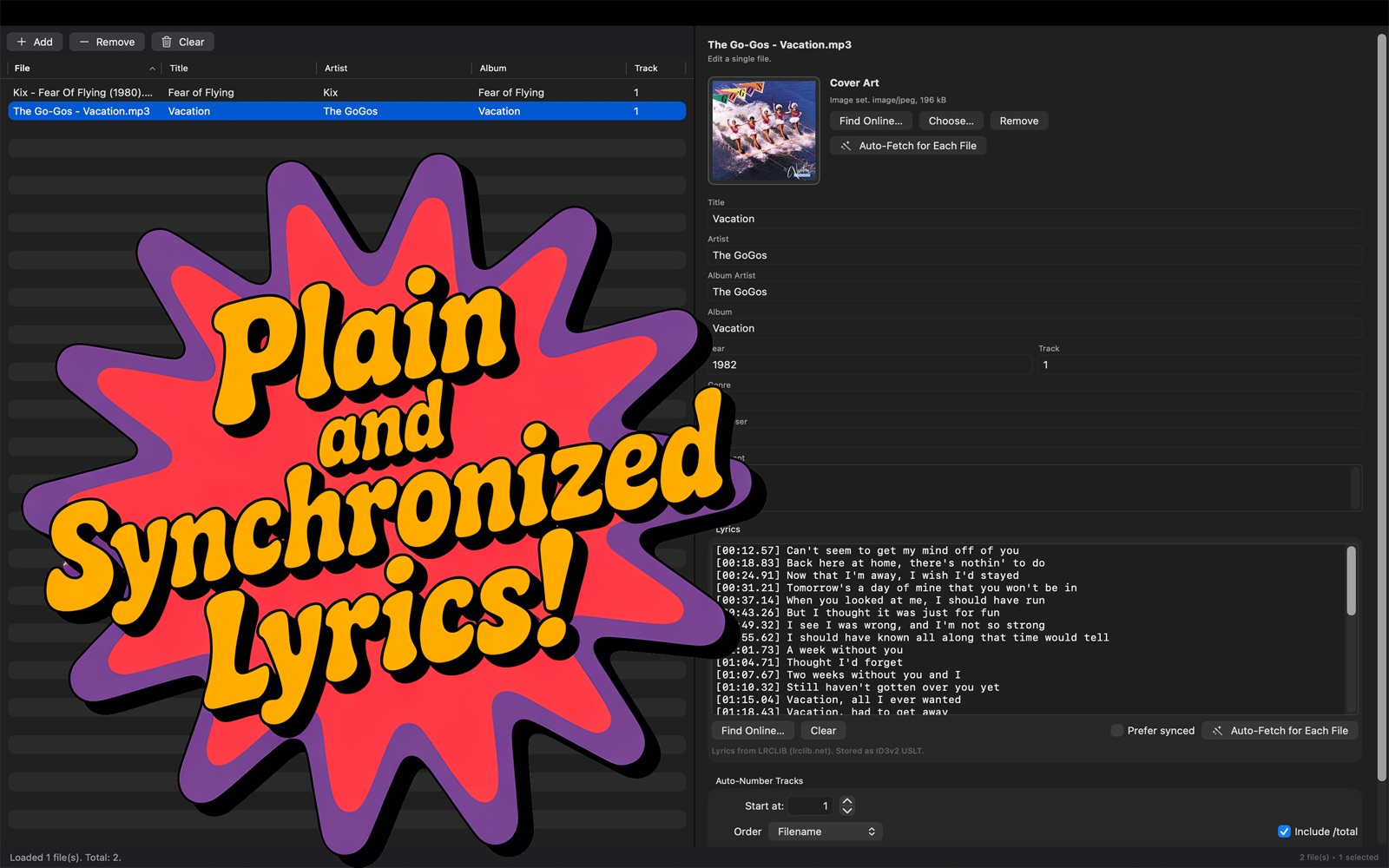
Find lyrics automatically, paste your own or write them by hand. Works with plain text and synced LRC-style timed lyrics.
Number tracks with a custom starting number, padding, totals and sort order.
Opens older MP3 collections with ID3v1, v2.2, v2.3 and v2.4 tags, and writes broadly compatible ID3v2.3.
Screens from the Mac App Store listing.
Drop it in
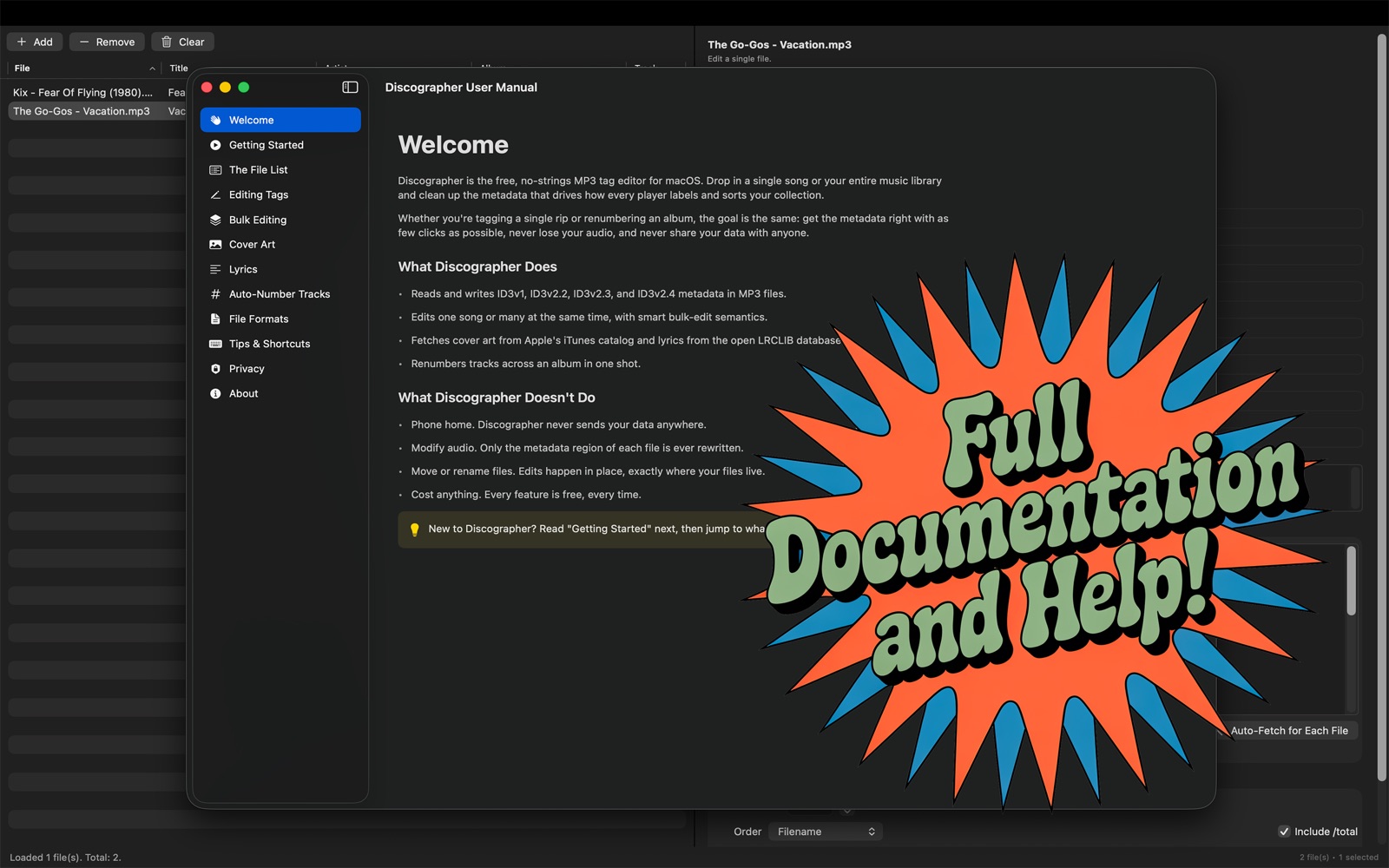
Drop in a file or an entire folder. Discographer scans recursively, ignores everything that is not an MP3, and gives you a clean two-pane workspace for reviewing and fixing your files.
Careful with your music
Discographer preserves your audio and updates only the metadata region of each file. Fields you did not touch are left exactly as they were.
Privacy
Your music library is yours. Discographer works with the files you choose and nothing else.
The app is sandboxed and only works with files you explicitly select.
Network access is used only when you ask Discographer to search for cover art, from Apple's iTunes catalog, or lyrics, from the open LRCLIB database.
No accounts, no analytics SDKs, no tracking, no background daemons and no subscription prompts.
Yes. Discographer is a free download on the Mac App Store, with no subscription prompts and no account.
No. Discographer preserves your audio and updates only the metadata region of each file.
Yes. Select several tracks to bulk-edit shared fields, or select nothing to apply changes across the whole list. Only the fields you change are written.
No. Discographer is an MP3 tag editor. When you drop in a folder, it ignores everything that is not an MP3.
Only for the online features. Editing tags works offline. The network is used only when you ask Discographer to search for cover art or lyrics.
Apple Silicon and Intel Macs running macOS 13 Ventura or later.
Email john@forensicintelligence.ca. Include your macOS version and what happened. You'll reach a real person.
Discographer for macOS 13 Ventura and later. Free.